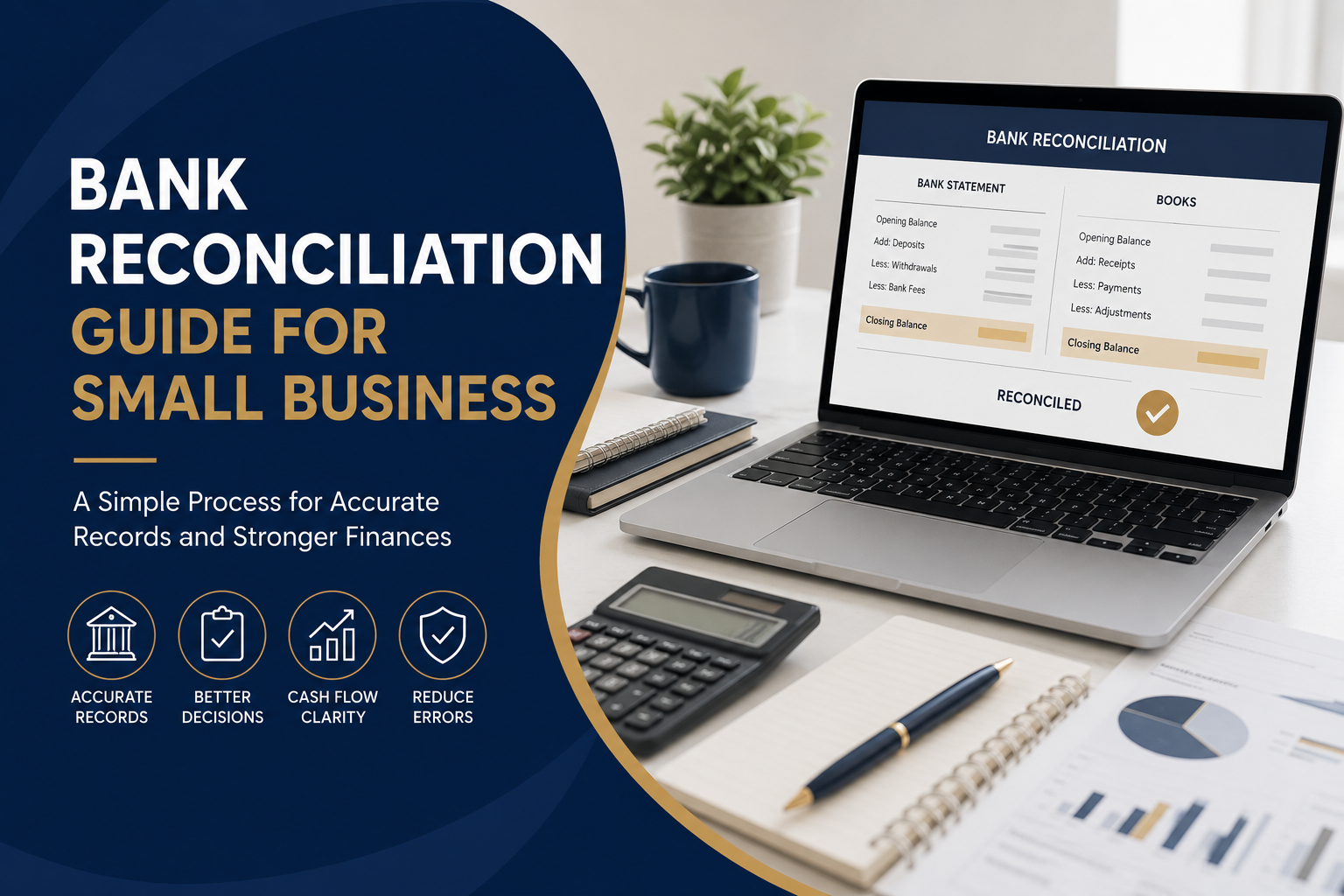
The exact process can differ depending on your accounting software and bookkeeping setup, but the basic principles remain the same.
Step 1: Gather Your Bank and Accounting Records
Start by making sure you have the records needed for the reconciliation period.
These may include:
- Bank statements
- Accounting software transaction reports
- Sales invoices
- Supplier bills
- Receipts
- Merchant or EFTPOS records
- Loan transactions
- Bank fee records
- Interest transactions
- Expense documentation
Choose a clear reconciliation period, such as a month, and make sure the opening and closing dates in your accounting records match the bank statement.
Step 2: Confirm the Opening Balance
Before matching individual transactions, confirm that the opening balance in your accounting records agrees with the reconciled closing balance from the previous period.
If the opening balances do not agree, there may be an unresolved difference from an earlier reconciliation.
This should be investigated before continuing.
Starting with an incorrect opening balance can make the entire bank recon more difficult and can cause the discrepancy to carry forward into later periods.
Step 3: Match Money Received
Next, compare deposits and other incoming payments shown on the bank statement with amounts recorded in your accounting system.
Common incoming transactions include:
- Customer payments
- Online sales
- EFTPOS settlements
- Direct deposits
- Refunds
- Interest received
- Owner contributions
Check the date, amount and transaction description.
In some cases, several customer payments may be combined into one bank deposit, so you may need to trace the payment back to individual invoices or merchant records.
Step 4: Match Business Payments
Compare money leaving the bank account with payments recorded in your accounting system.
These might include:
- Supplier payments
- Rent
- Utilities
- Software subscriptions
- Insurance
- Payroll-related transactions
- Loan repayments
- Equipment purchases
- Business expenses
- Bank charges
Check that each transaction has been recorded once and allocated to the appropriate account.
Step 5: Identify Transactions Missing From Your Books
Your bank statement may contain transactions that have not yet been entered into your accounting software.
Common examples include:
- Bank fees
- Merchant fees
- Interest
- Direct debits
- Automatic subscriptions
- Loan payments
- Refunds
- Electronic payments
These transactions need to be reviewed and recorded appropriately.
Avoid simply creating entries to force the reconciliation to balance. The objective is to understand and correctly account for each difference.
Step 6: Look for Transactions Recorded Twice
Duplicate transactions can occur when an expense has been entered manually and then imported again through a bank feed.
Look for identical:
- Dates
- Amounts
- Suppliers
- Reference numbers
- Descriptions
Removing confirmed duplicate entries can help bring the accounting balance back in line with the bank statement.
However, make sure the entries genuinely are duplicates before deleting anything.
Step 7: Investigate Outstanding Transactions
Sometimes a transaction has been correctly recorded in your accounting system but has not yet appeared on the bank statement.
This may occur with transactions that have not yet cleared.
Depending on the circumstances, these could include outstanding payments or deposits that are still being processed.
They should be reviewed rather than immediately treated as an error.
If an item remains outstanding for an unusually long time, it may require further investigation.
Step 8: Review Differences Carefully
If your accounting balance and bank statement still do not agree, work through the transactions systematically.
Common causes include:
- Incorrect amounts
- Incorrect transaction dates
- Duplicate entries
- Missing transactions
- Transactions allocated to the wrong bank account
- Bank charges not recorded
- Payments entered but never processed
- Deposits recorded incorrectly
- Opening balance errors
Trying to locate a discrepancy by randomly changing transactions can create additional bookkeeping problems.
A structured review is usually more effective.
Step 9: Confirm the Reconciled Balance
Once all legitimate differences have been accounted for, your adjusted accounting balance should agree with the relevant bank statement balance.
At this point, complete or finalise the reconciliation within your accounting system.
Retain appropriate supporting records in line with your business’s record-keeping requirements.
The ATO requires businesses to keep records that support their income, expenses and GST reporting, with the required retention period depending on the type of record.